


Nexus AI Station
Local AI. Private Storage. Full-Size GPU Ready.One desktop system for AI, NAS, and serious workflows.
Couldn't load pickup availability
Free Shipping
30-day Return
1 years Warranty
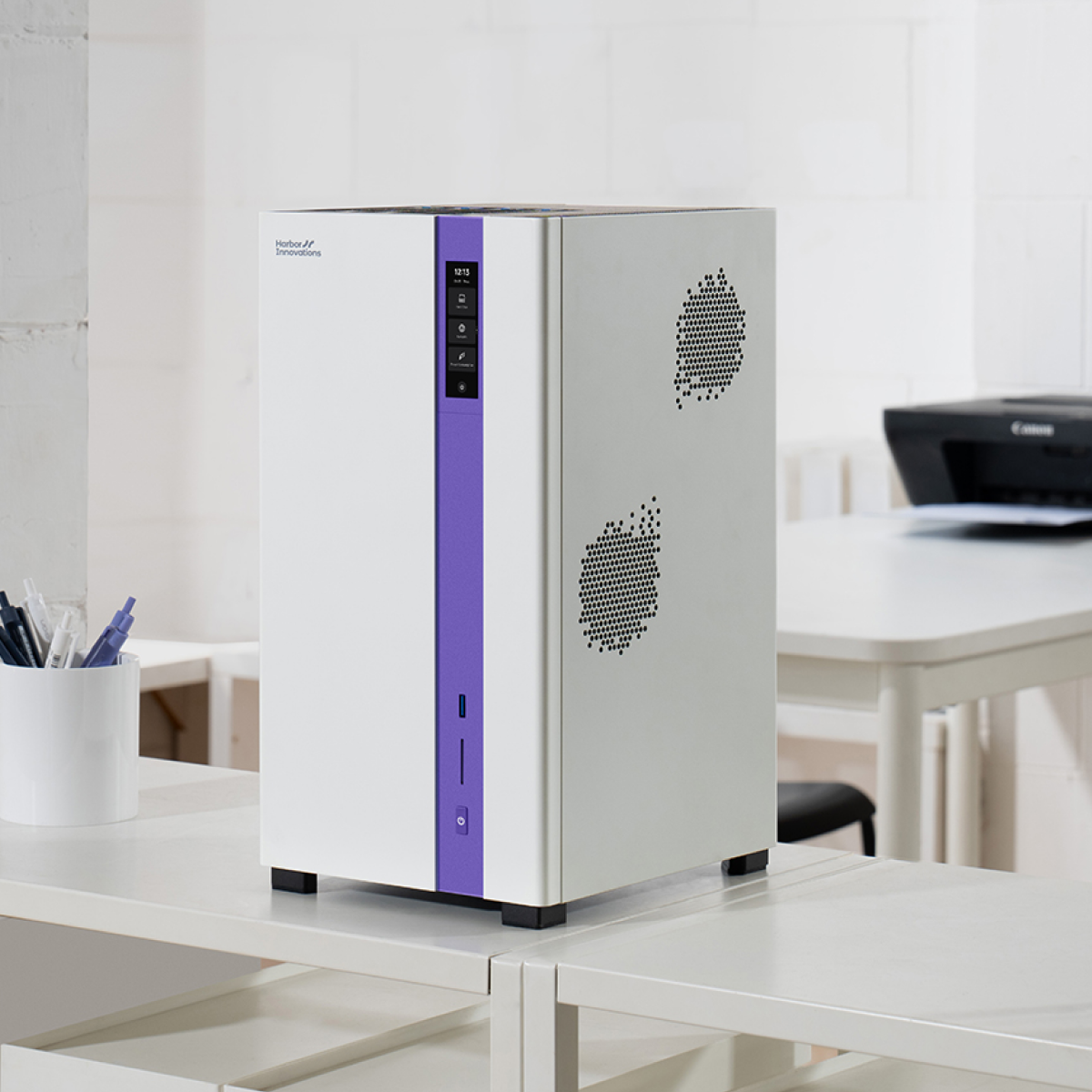
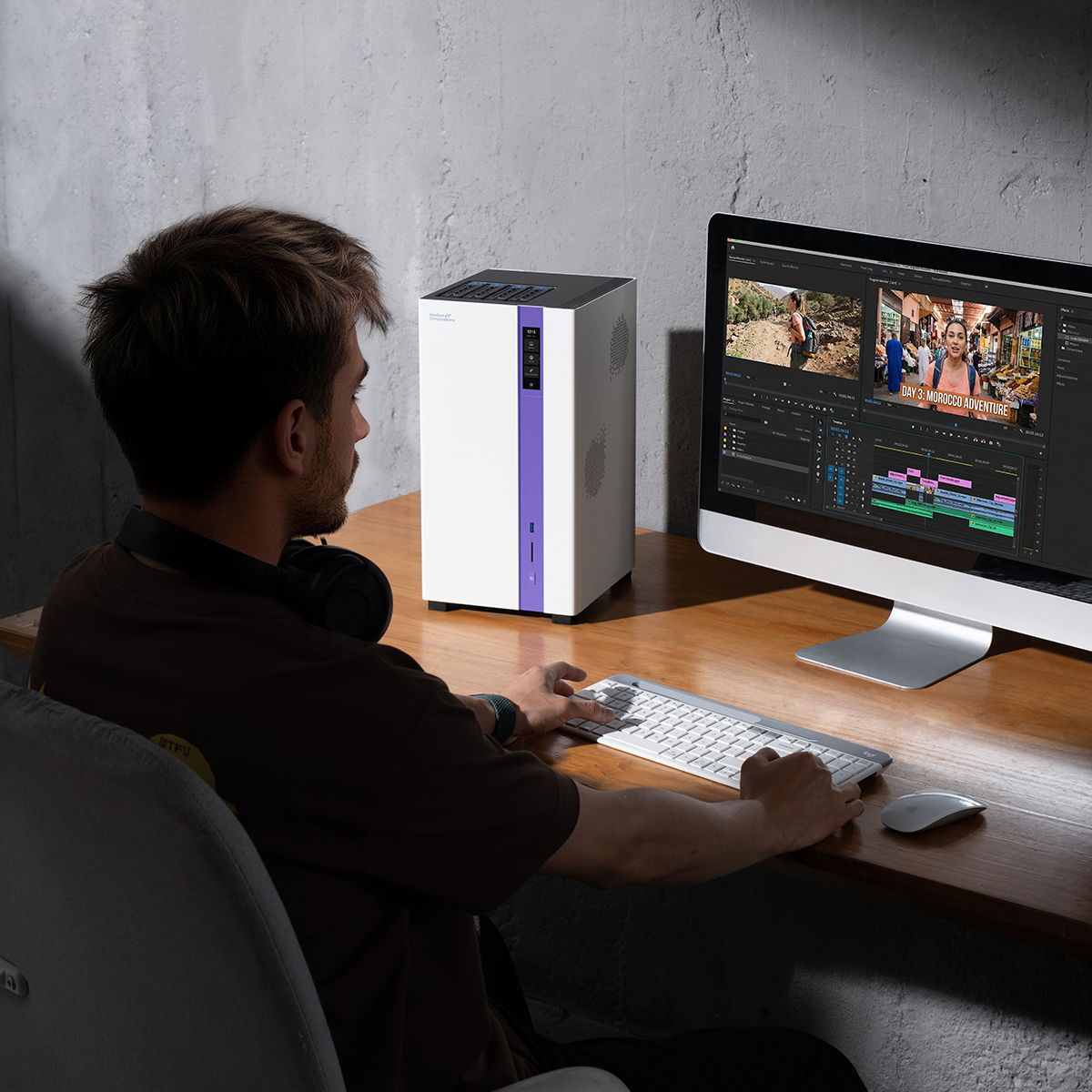
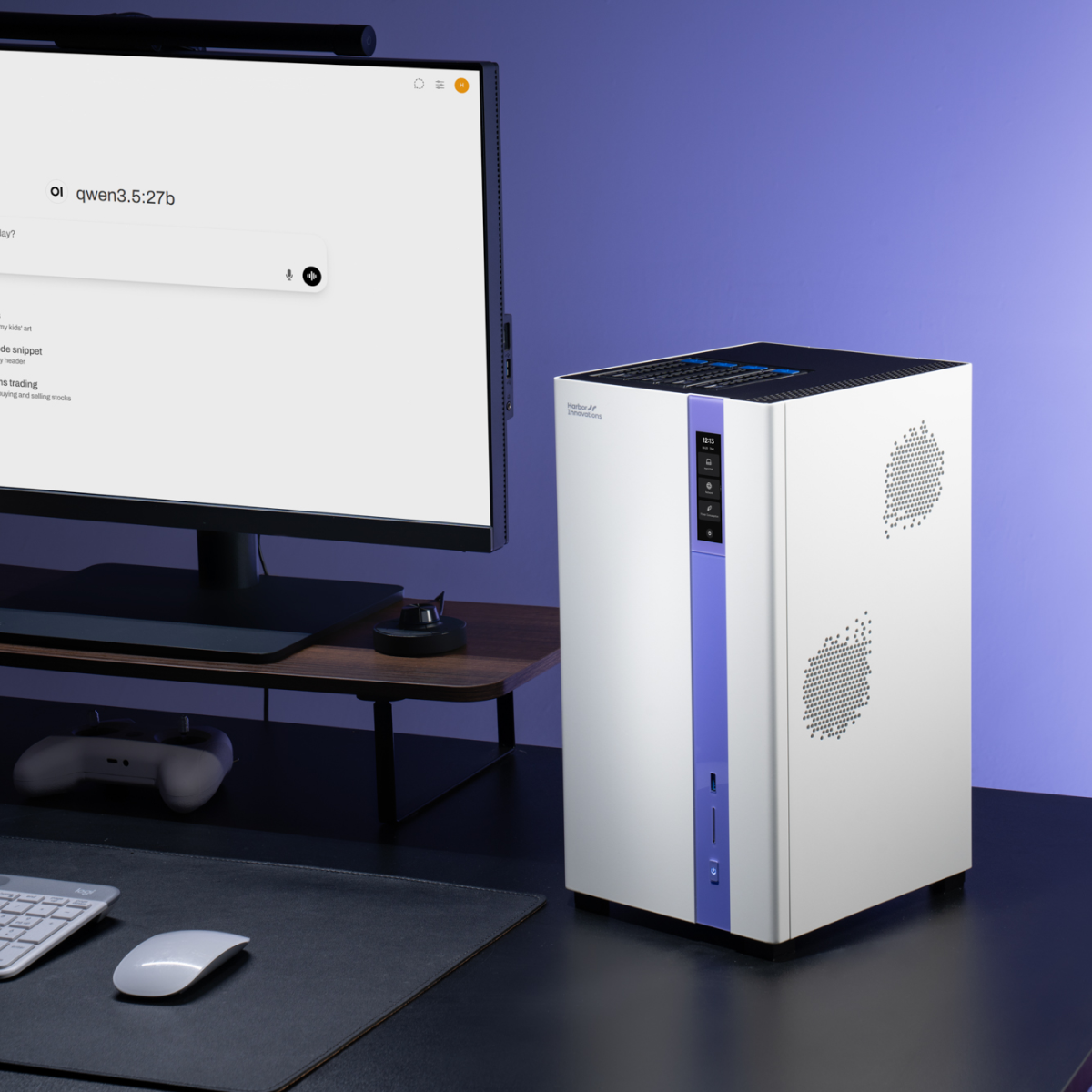
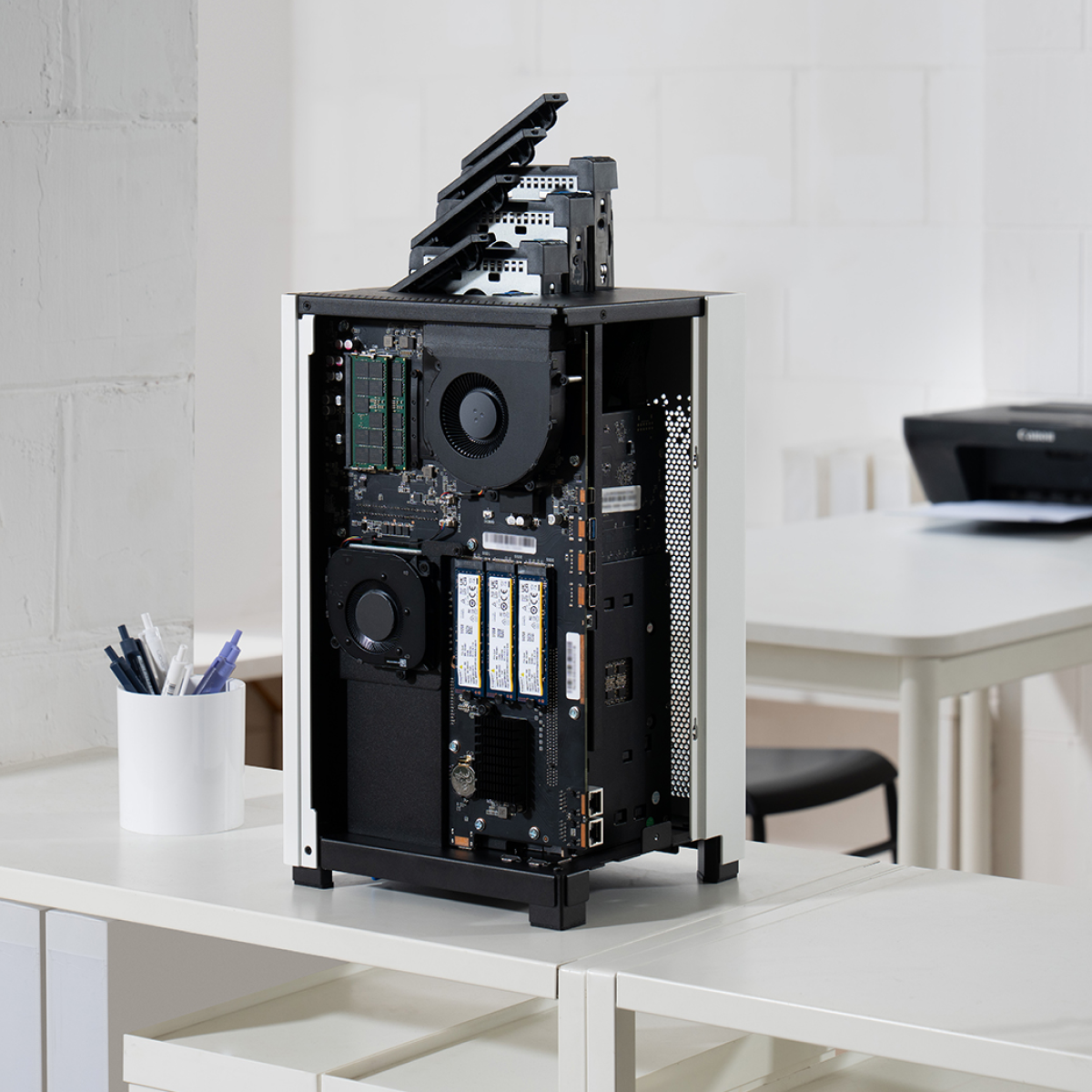
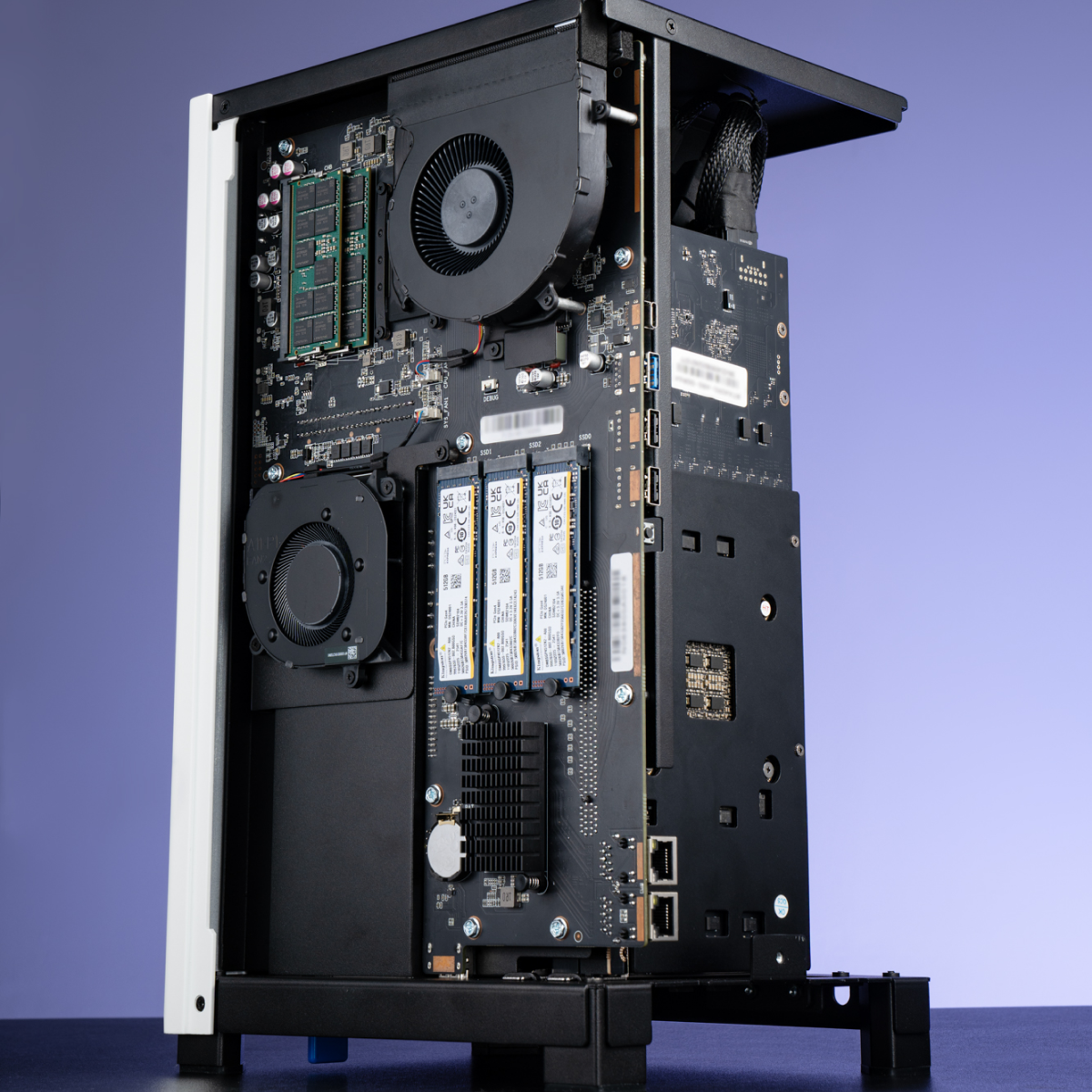
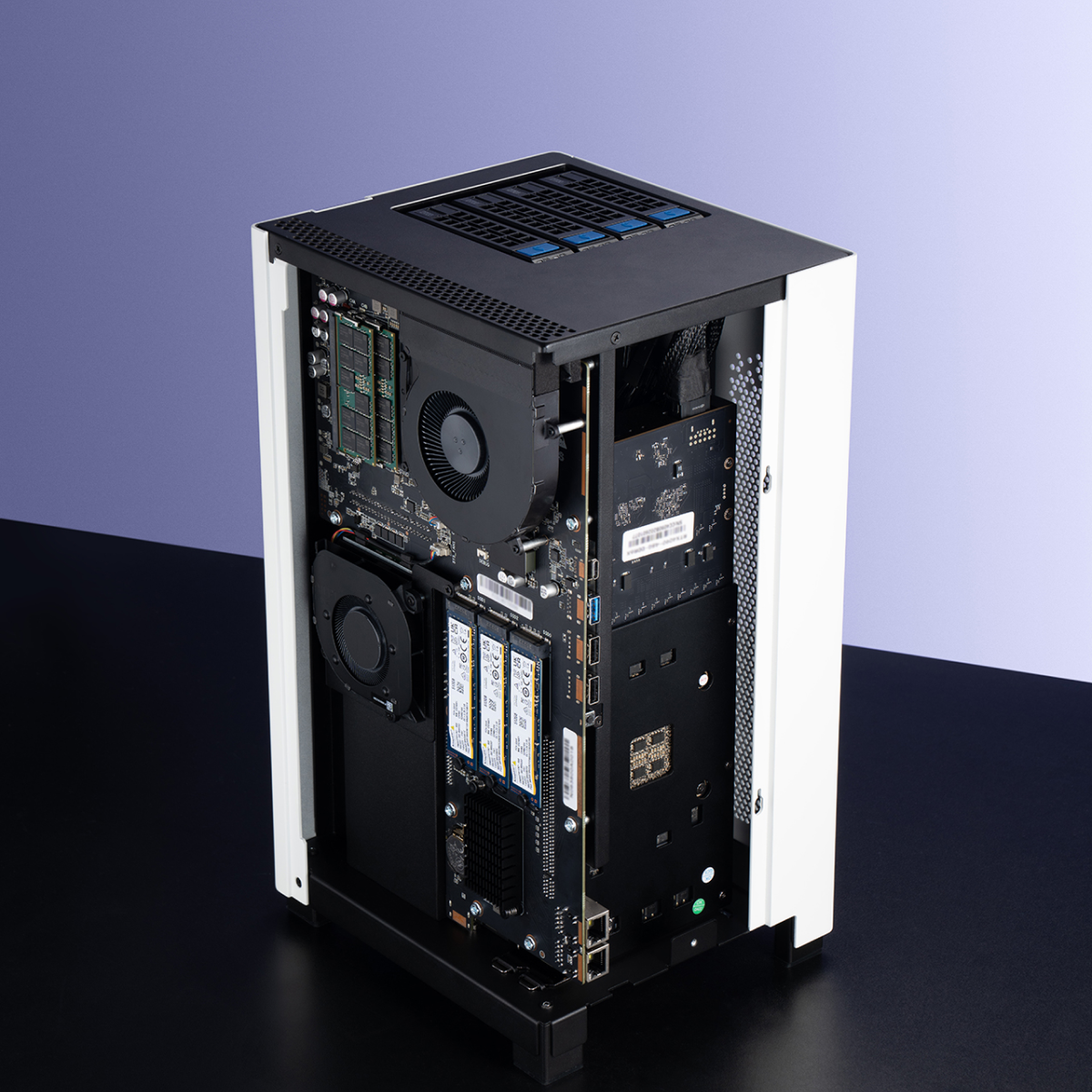
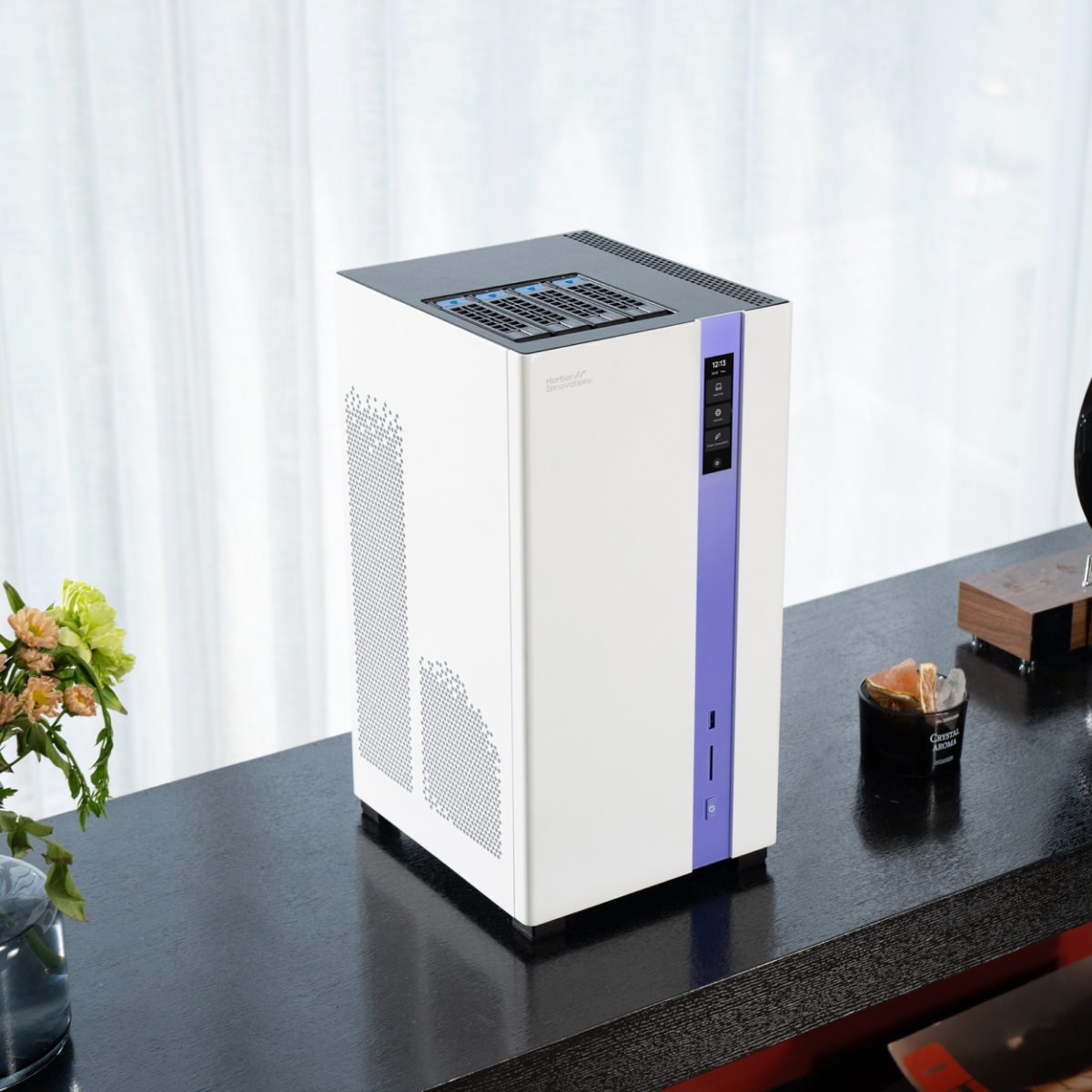

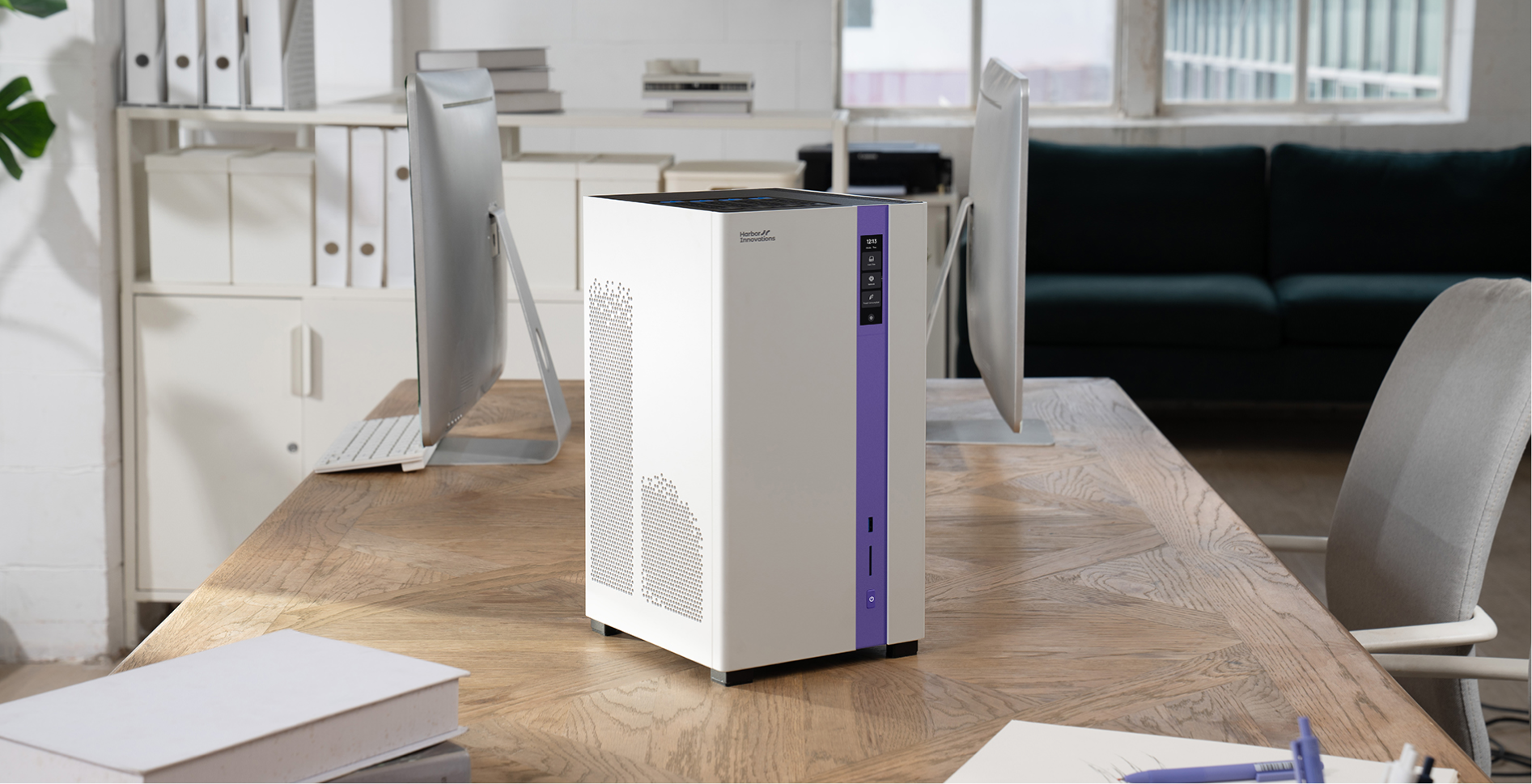
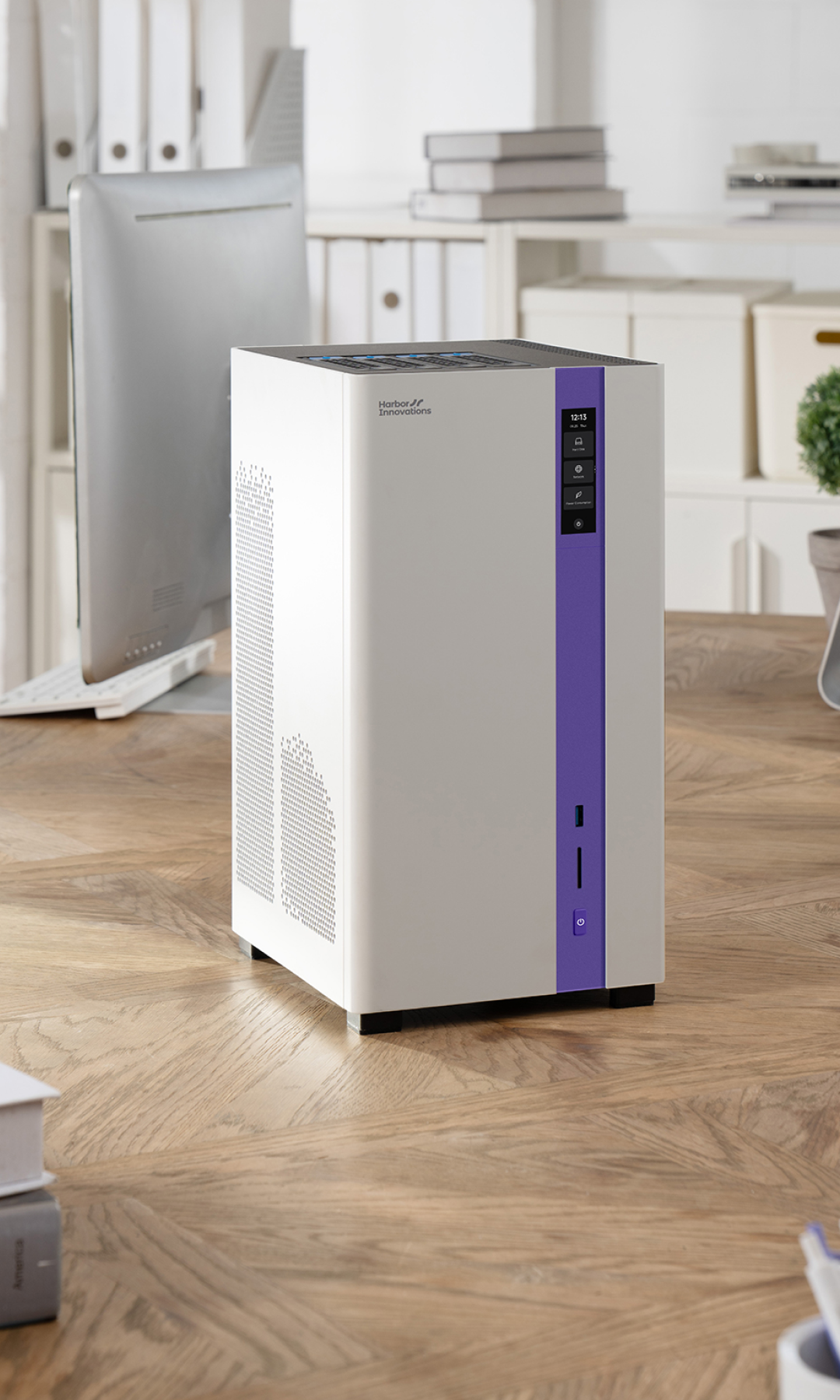
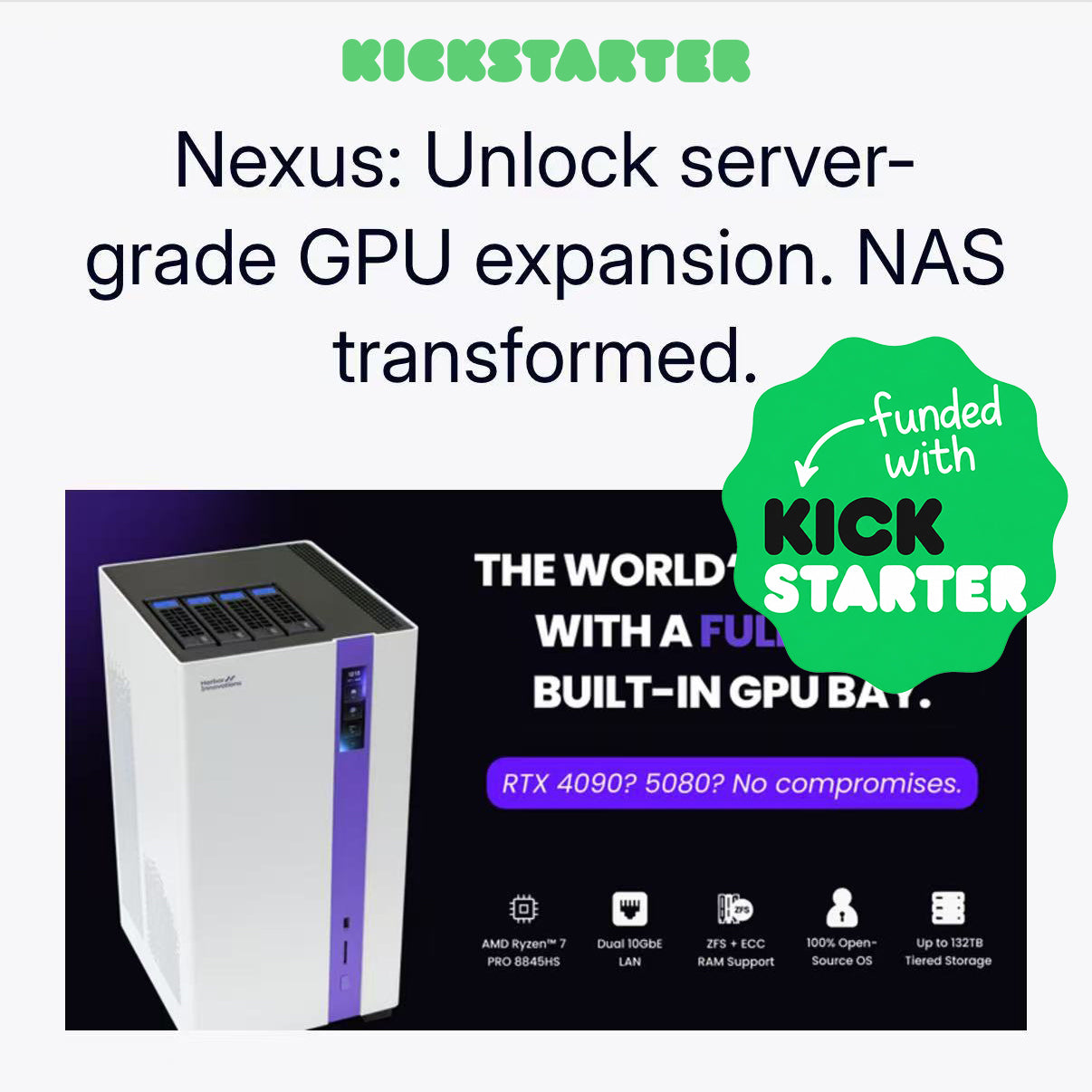
From Kickstarter to Real Local AI
- Backed by Early Users
- Direct Order Available
- Built for Upgradeability
What Can You Do with Nexus?
-
Run Local LLMs Privately
Use your own GPU to run local AI assistants, coding models, document chat, and private workflows without sending data to the cloud.
-
Build a Private AI + NAS Hub
Store datasets, documents, photos, videos, and backups locally while keeping them connected to your AI workflow.
-
Manage Large Creative Projects
Use HDDs for archives and NVMe SSDs for active projects, video editing, image generation, and media libraries.
-
Upgrade as Your Workloads Grow
Start small, then add memory, SSDs, HDDs, GPU, or expansion cards over time.
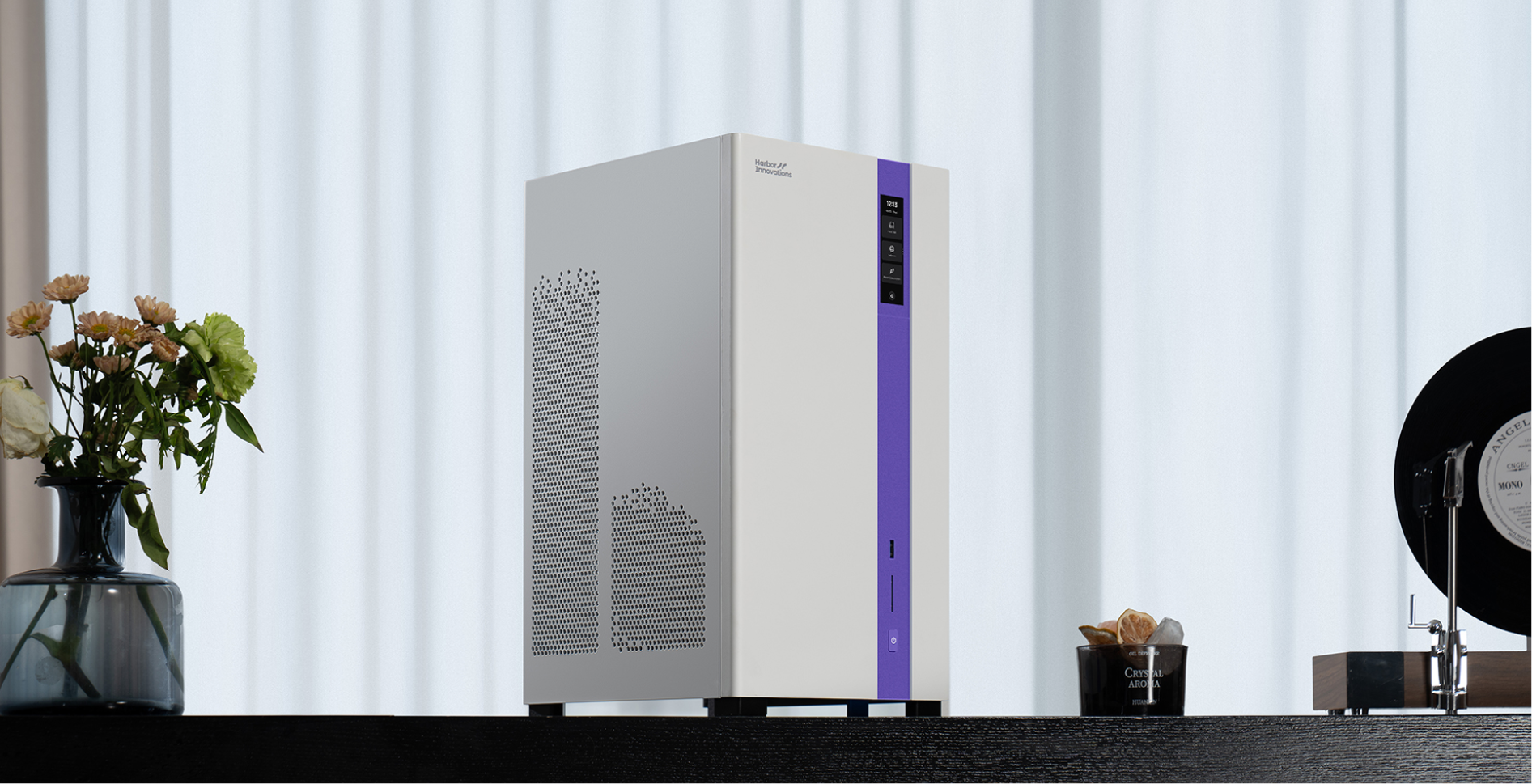
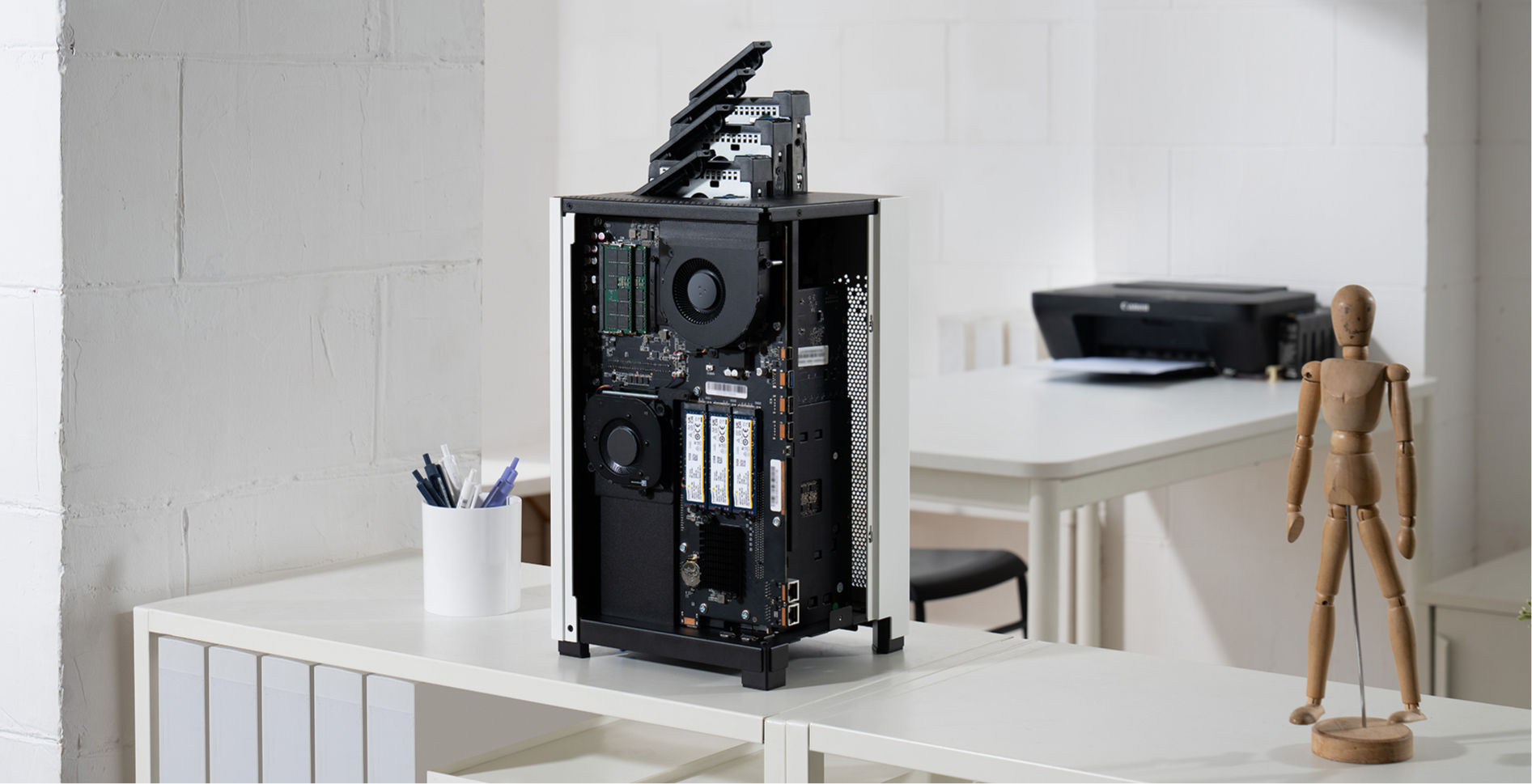
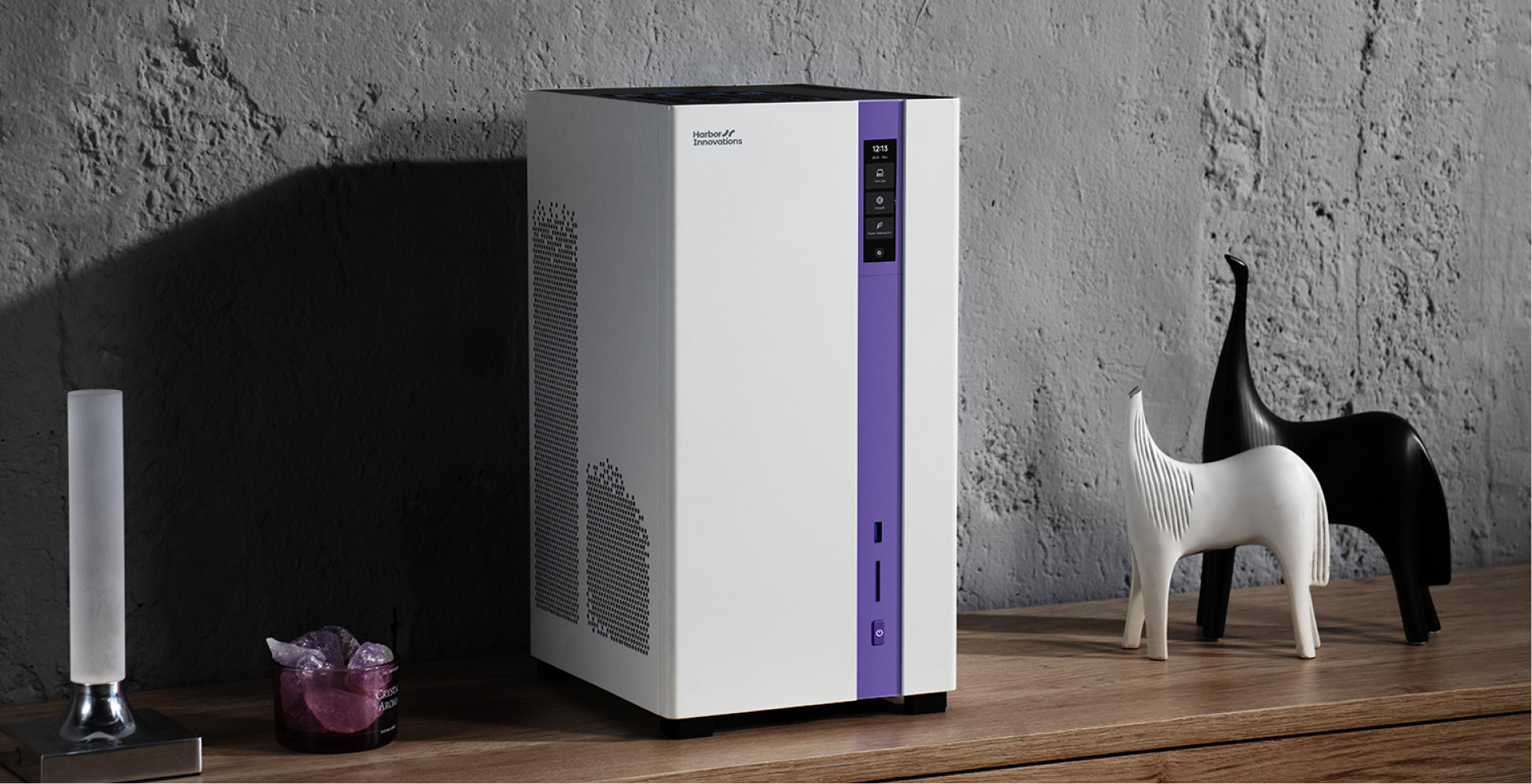

The Standard for Compact Power

Real AI Needs Real GPU Power

Enterprise-Level Data Protection

132TB Total. Zero Compromise.

800W PSU: Unrestricted Power

Move Data at the Speed of Your Ideas
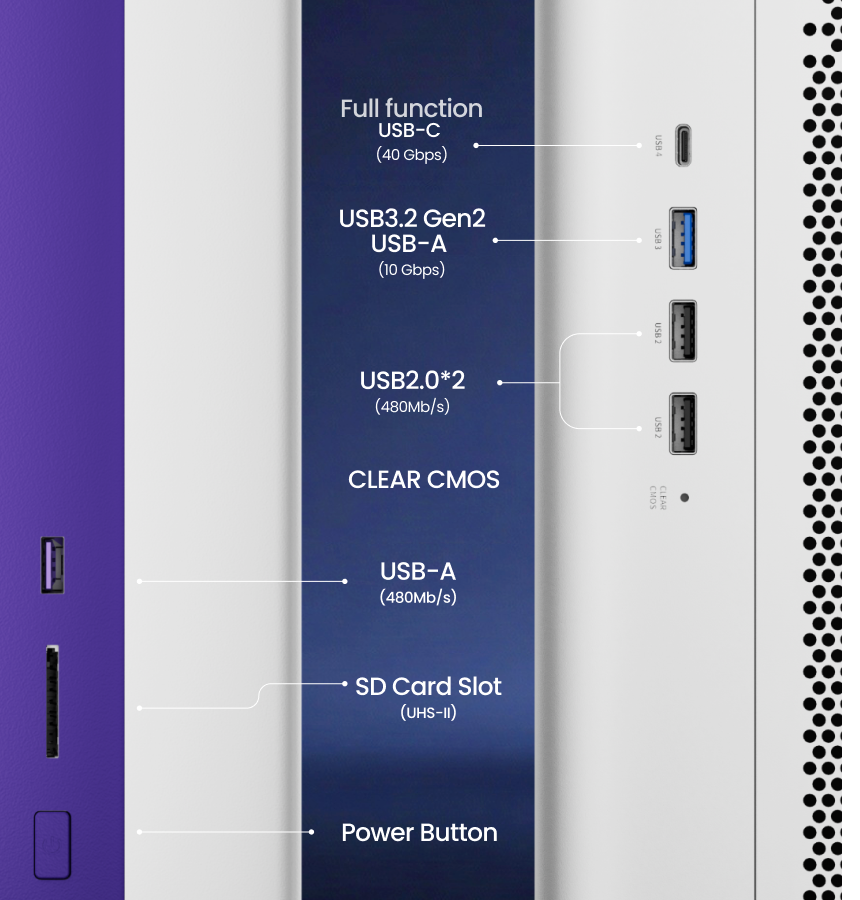
Rich Expansion Interfaces
A rich set of expansion interfaces ensures Nexus AI Station adapts to new hardware, new workflows, and future demands — without forcing early compromises.
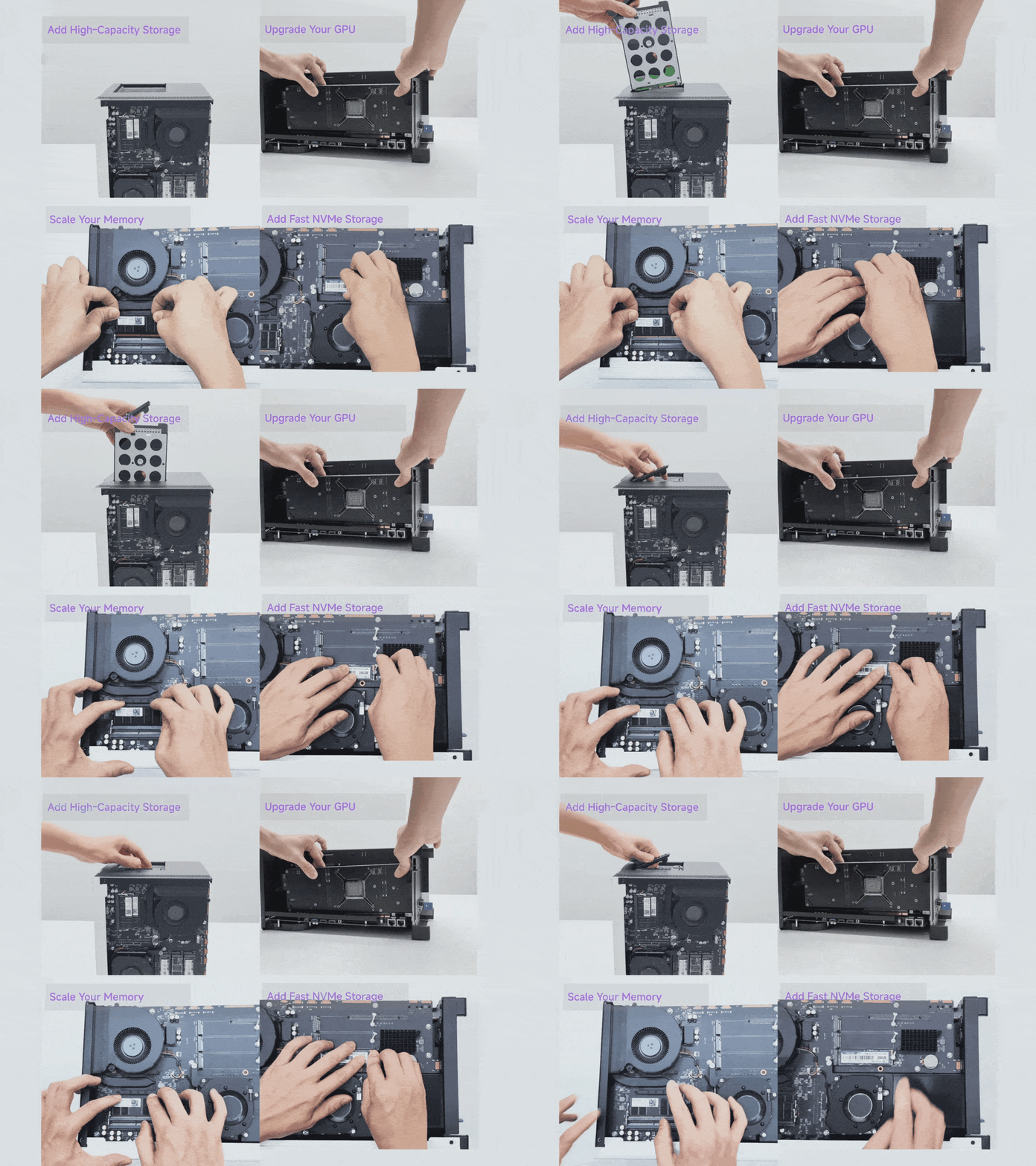
Expansion Without Bottlenecks
Nexus AI Station is designed as a long-term platform, not a fixed appliance.Its high-bandwidth PCIe architecture supports far more than a graphics card — enabling high-speed networking, enterprise storage, and specialized accelerators as your needs grow.As your workloads evolve, your system evolves with you.
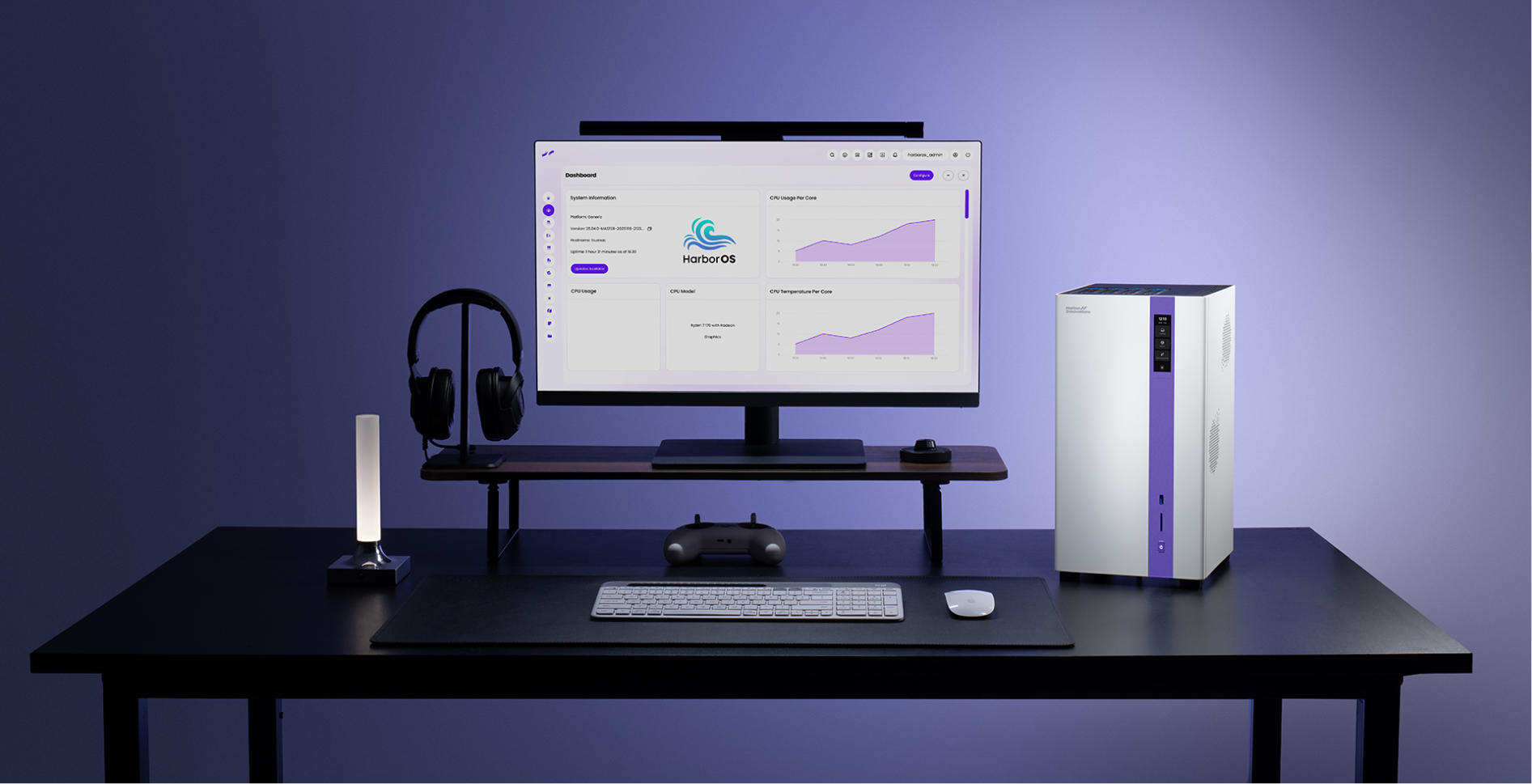
Reviewed by Real Tech Creators


More Than a Fixed AI Box

Nexus AI Station

AMD AI Max+ 395

NVIDIA DGX Spark
Full-size discrete GPU
Integrated GPU + NPU
Integrated NVIDIA GPU
Upgradeable DDR5 / ECC option
Unified memory
Unified memory
Yes
No
No
Up to 132TB hybrid storage
Limited by system design
Limited by system design
Dual 10GbE
Depends on device
Depends on device
Harbor OS / Linux / Windows / Proxmox / TrueNAS
Vendor system
NVIDIA AI stack
Local AI + NAS + workstation
Low-power AI PC
NVIDIA AI development box
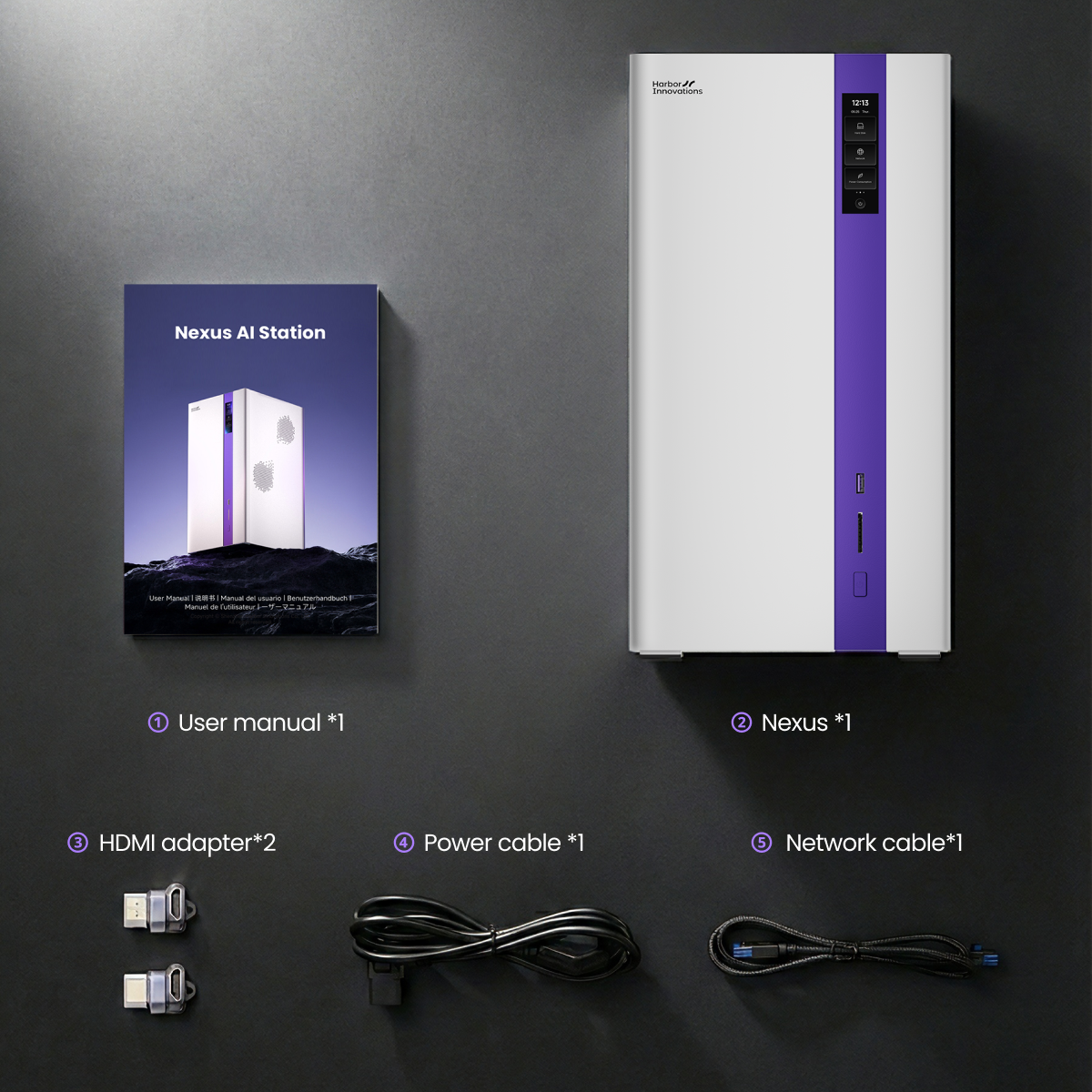
In the Box
① User manual *1
② Nexus *1
③ HDMI adapter*2
④ Power cable *1
⑤ Network cable*1
Specs
Compute
CPU: AMD Ryzen 7 PRO 8845HS (8-core, 16-thread)
Base Clock: 3.8 GHz
Boost Clock: Up to 5.1 GHz
Architecture: Zen 4
TDP: up to 54W
Memory
Type: DDR5-5600 So-dimm
Slots: 2 × SO-DIMM
Capacity: 96GB ECC (2 × 48GB)
Expansion/GPU card
PCIe Slot: 1 × PCIe 4.0 x16 (x8 lane)
GPU Size Support: Length < 330mm , Width < 66mm
Power Budget: 400W
Storage
HDD Bays: 4 × 3.5" (hot-Plug)
M.2 Slots: 3 × M.2 NVMe 2280 PCIe 4.0
RAID Support: 0, 1, 5, 6, 10, JBOD
I/O
USB4: 1 × USB4 40Gbps (Type-C)
USB-A: 1 USB 3.2 Gen2(10Gbps), 1 USB 3.2 Gen1 (5Gbps), 2x USB 2.0
SD Card: 1 × UHS-II (up to 312 MB/s)
HDMI: 1 × HDMI 2.0 (4K@60Hz)
Ethernet: 2 × 10GbE (RJ45)
Screen: 3.0" touchscreen (170 x 560)
Dimensions & Build
Dimensions: 218x193x372mm(L×W×H)
Material: Aluminum chassis, steel frame
FAQs
Is this a NAS, a server, or a workstation?
Nexus AI Station combines local AI compute, massive storage, and high-speed networking in one desk-friendly system.
It delivers server-grade capability without the noise, complexity, or cloud dependency of traditional servers.
Do I need a GPU to get started?
No. Nexus AI Station works without a GPU and is fully functional out of the box.You can start with CPU-based workloads and storage, then add or upgrade a full-size GPU anytime when you’re ready for heavier AI tasks.
What kind of GPUs are supported?
Nexus AI Station supports full-length, full-height GPUs via a PCIe Gen4 slot.
This means you can use real desktop GPUs — not mobile or proprietary accelerators — and upgrade them as your AI needs grow.
Are passive-cooled GPUs supported?
No. Nexus AI Station requires a GPU with active onboard cooling, such as built-in fans or a blower. Passive-cooled and fanless GPUs are not compatible.
Can I upgrade storage and memory later?
Yes. Nothing is fixed.You can add or replace:
●HDDs for more capacity
●NVMe SSDs for high-speed data access
●Memory as workloads grow
●GPUs and expansion cards over time
Nexus AI Station is built as a long-term platform, not a one-time configuration.
Is 132TB required, or just the maximum supported?
132TB is the maximum supported capacity, not a requirement.
You can start small and scale storage gradually.
The system is designed so you never have to redesign your setup as your data grows.
Is my data safe on a local system?
Yes — and in many cases, safer than the cloud.Nexus AI Station supports ECC memory and ZFS, helping detect and correct silent data corruption from memory to disk.
Your data stays local, under your control, Set up your own RAID array without mandatory cloud services.
Who is this product for?
● Nexus AI Station is built for:AI developers running models locally
● Creators managing large media libraries
● Engineers and teams who want full control of their data
● Anyone tired of juggling NAS boxes, GPU rigs, and cloud bills
If your work depends on performance, storage, and control — this system fits.
Why not just use the cloud?
The cloud is convenient — until it’s expensive, slow, or limiting.Nexus AI Station lets you:
● Run AI locally
● Keep all data on-prem
● Avoid usage limits and recurring fees
● Own your performance and infrastructure
● Build your own multimedia library and entertainment hub.
You pay once, and you’re in control.